Plate
-
Up to 15 recipes with no time limit
-
3 photo, PDF, or text imports a week
-
Export up to 15 recipes to Paprika, Recipe Keeper, Crouton, or a Plate file
-
All features and iCloud sync
For iPhone · Free to download · iOS 26+
A fast* recipe manager for iPhone. Save recipes from websites, photos and PDFs, plan your meals, and keep the shopping list in Reminders.
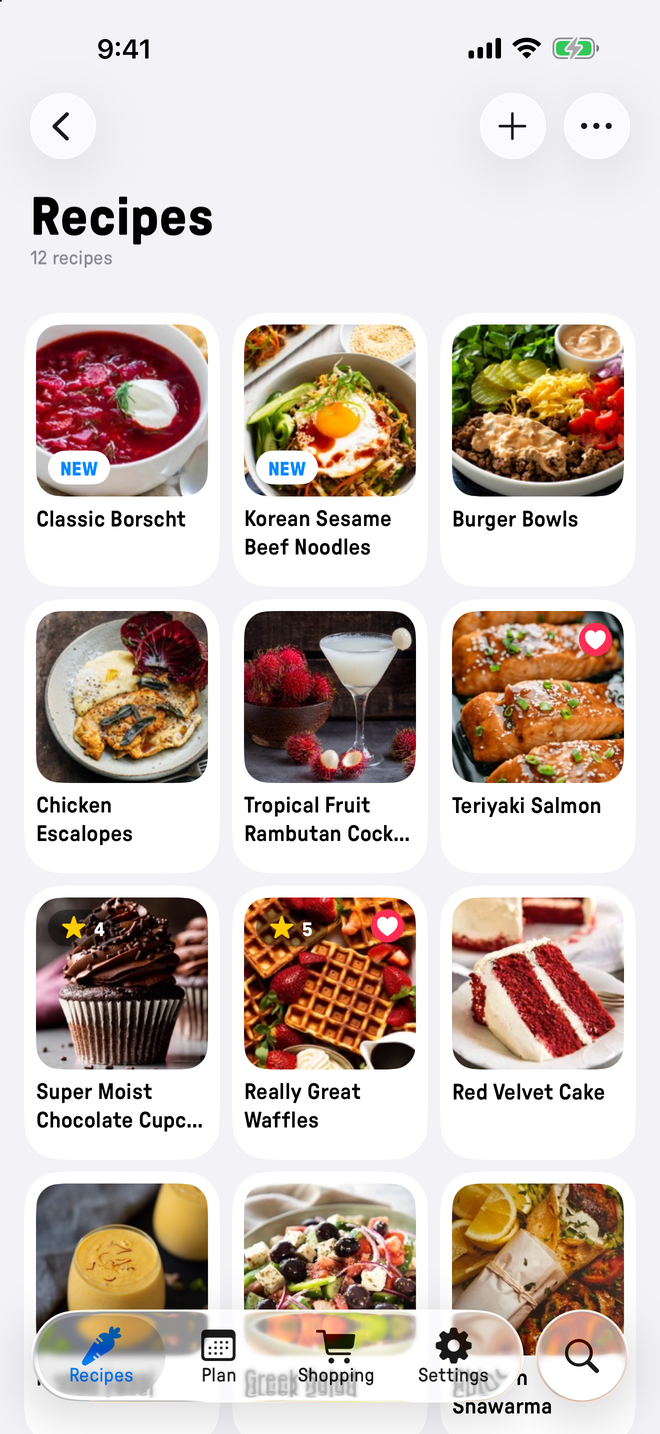
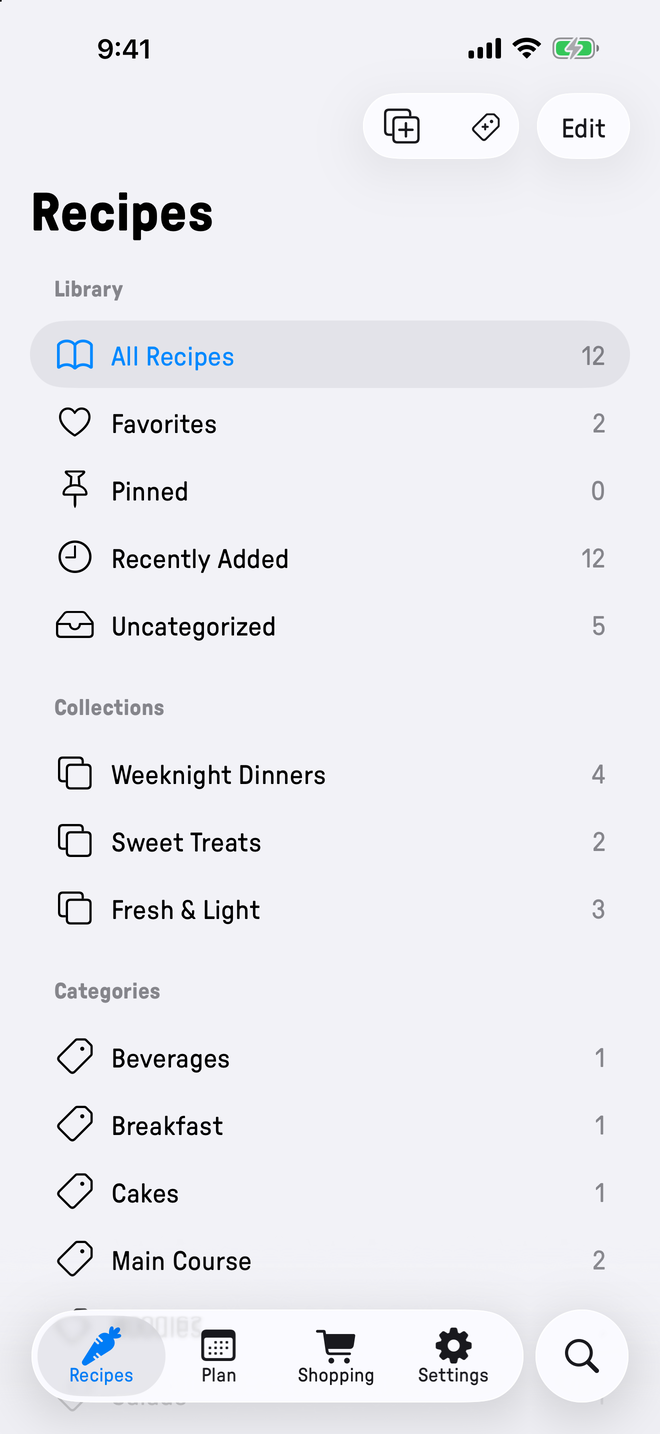
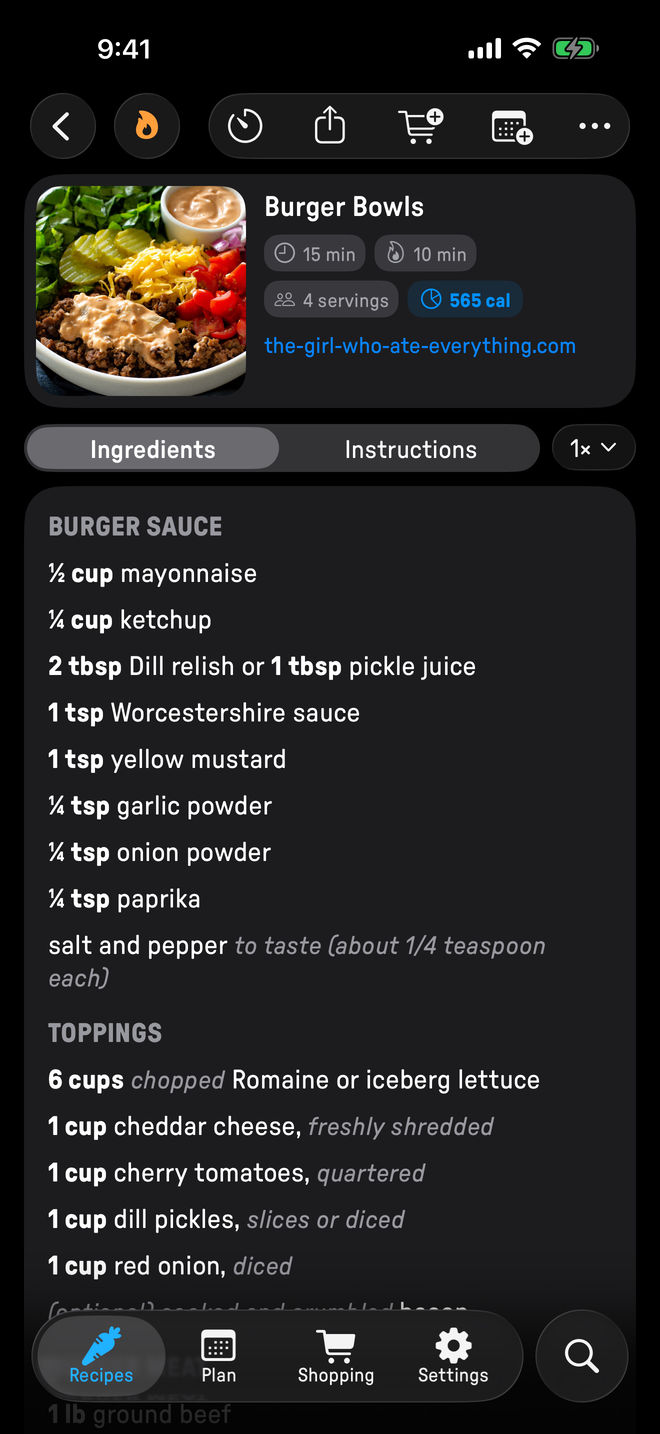
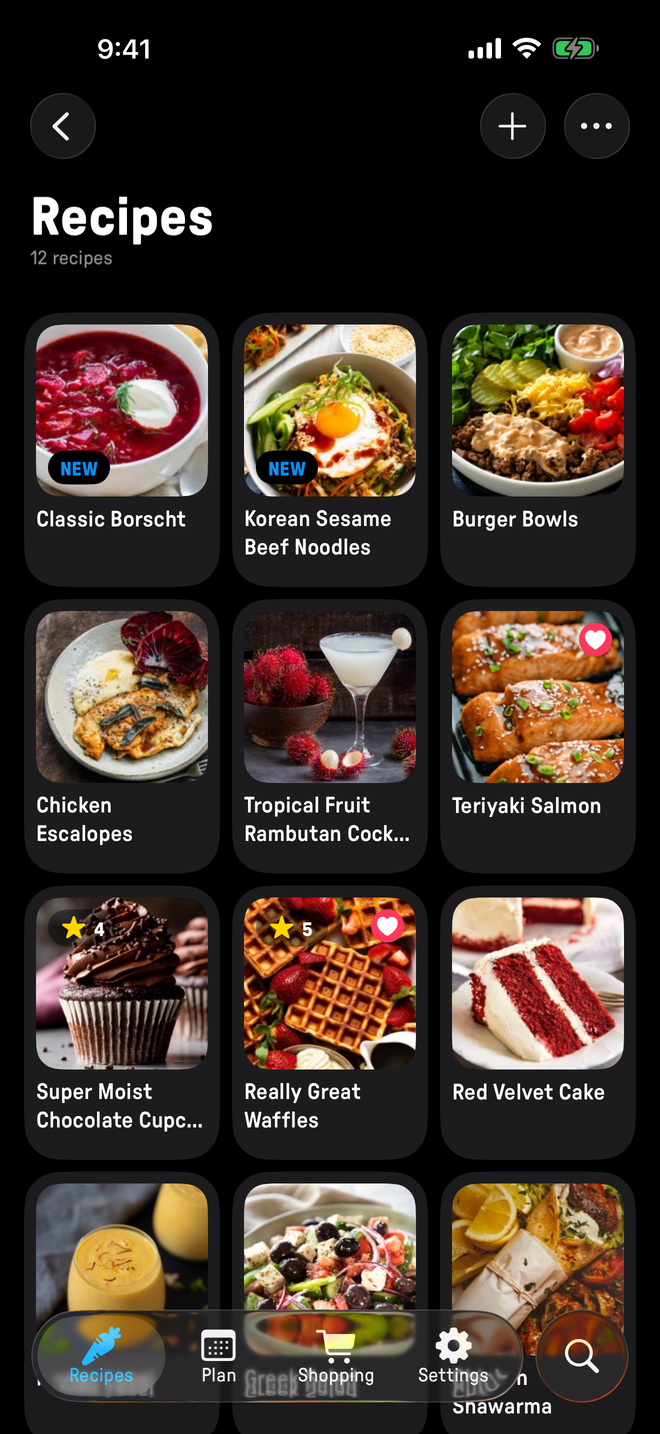
Recipes
Put recipes in your own collections, or search by name or ingredient.
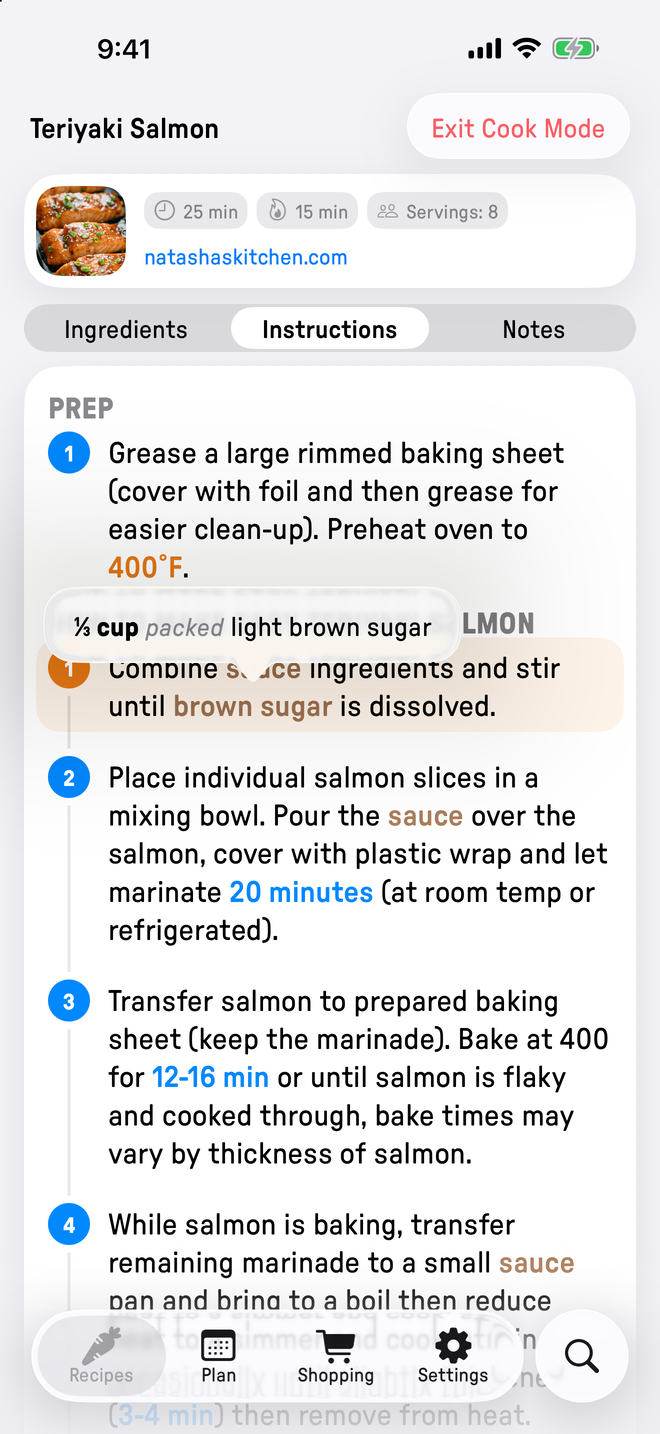
Cook Mode
Cook Mode enlarges the steps, blocks accidental swipes, and keeps the screen on.
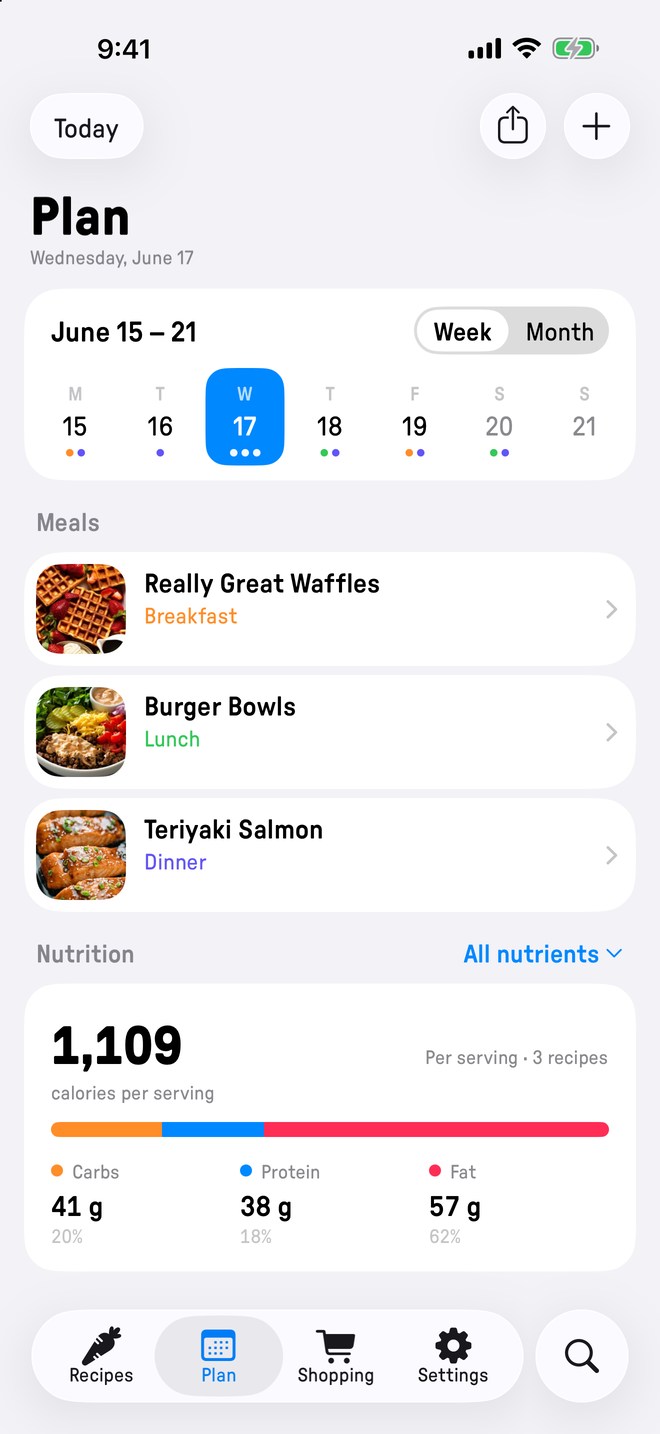
Meal Plan
Add recipes or a quick note to any day, then send the ingredients to your shopping list.
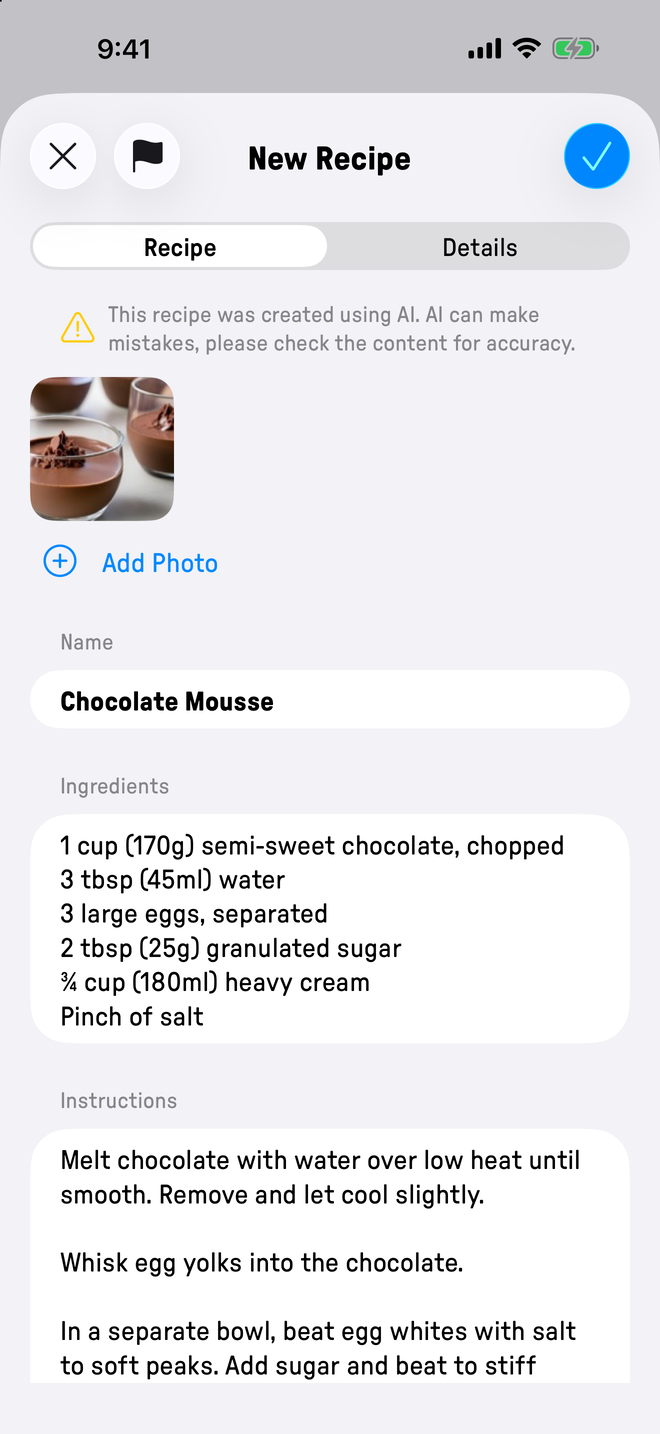
Photo import
Plate reads the page and fills in the recipe for you to check. It all happens on your iPhone.
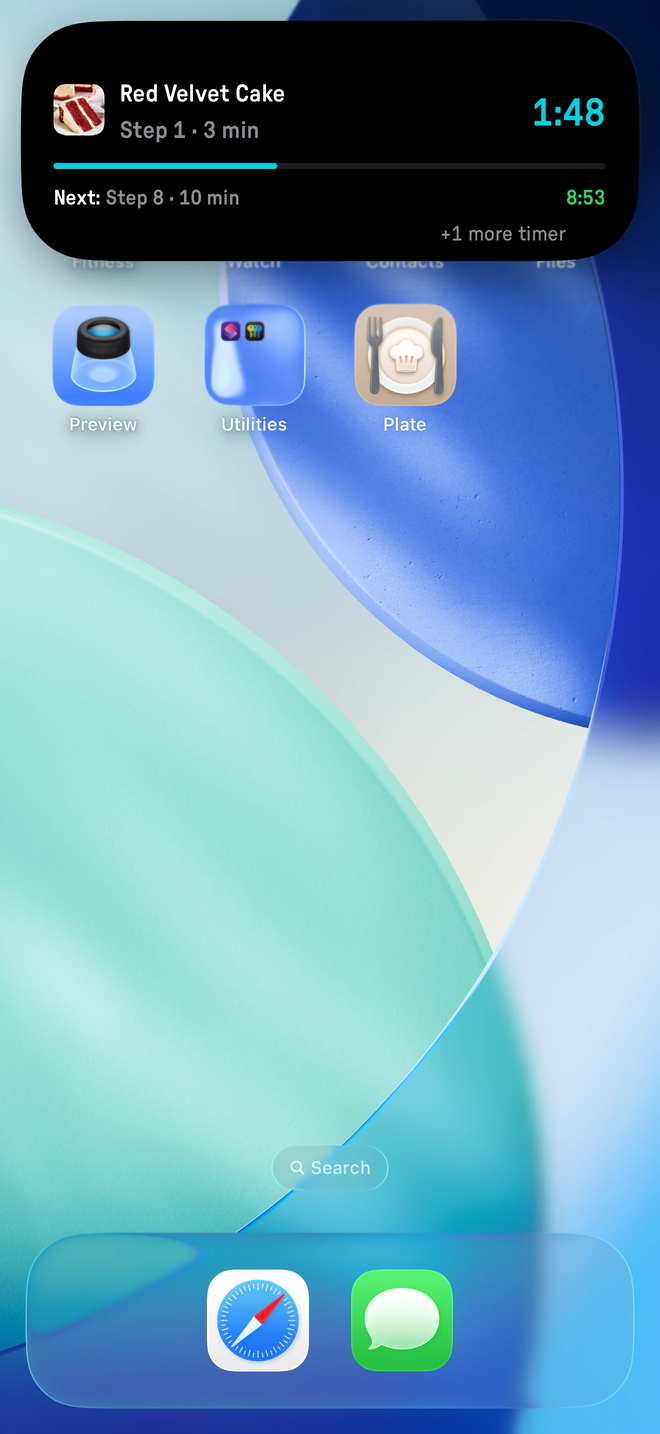
Timers
Timers show on the Lock Screen and in the Dynamic Island.
Pricing
Every feature is included. Plate Pro is a one-time purchase that removes the limits.
Up to 15 recipes with no time limit
3 photo, PDF, or text imports a week
Export up to 15 recipes to Paprika, Recipe Keeper, Crouton, or a Plate file
All features and iCloud sync
Unlimited recipes and imports
Export your whole library
Shared with your family when you turn on Purchase Sharing
One-time purchase with no subscription
If you bought Plate before it went free, you already have Plate Pro. Thanks!
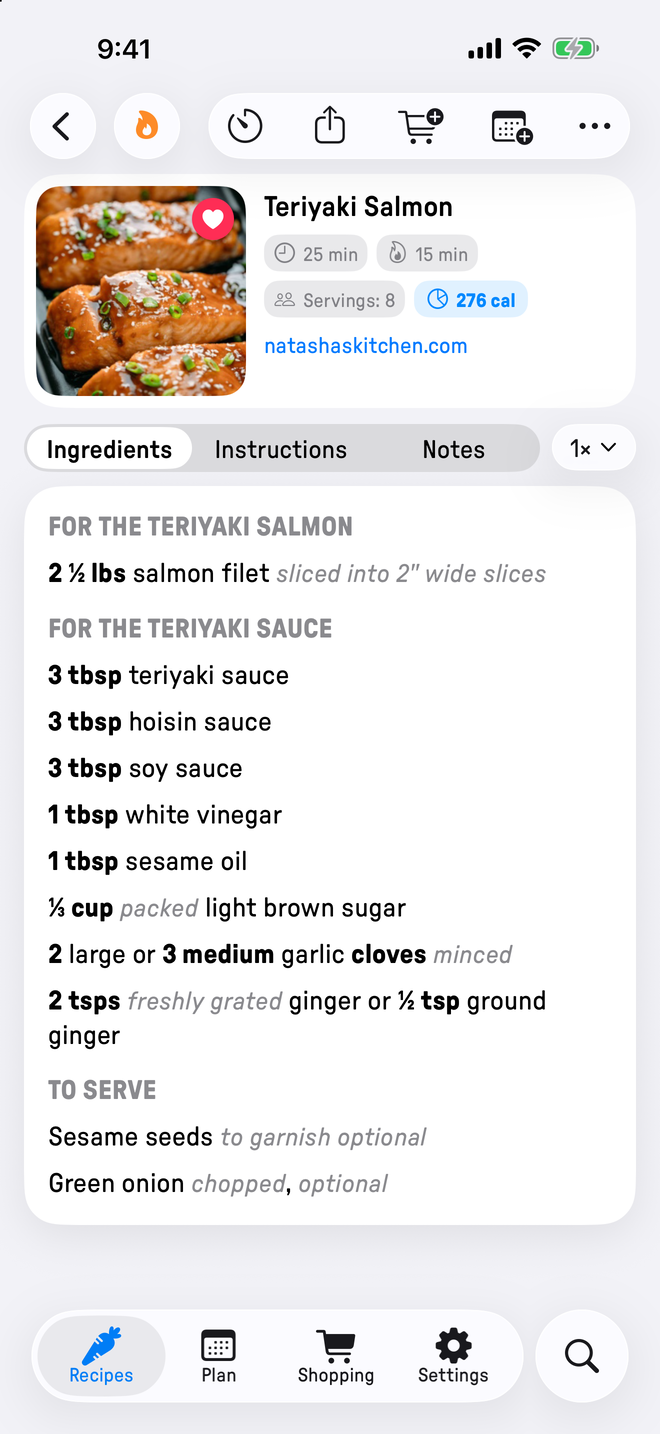
Timers. Tap a time in a step to start one. They run on the Lock Screen and in the Dynamic Island.
Scaling. Take a recipe from ¼× to 8×. Quantities, servings, and the shopping list update to match.
Conversions. Tap a quantity for other units, or a temperature for the other scale.
Ingredient mentions. Tap an ingredient named in a step to see how much you need, already scaled.
Nutrition. Calories and macros per serving, plus totals for a planned day.
Photos. Crop them, and choose which one shows in the list.
Sharing. A link, a PDF, plain text, a printout, or a Plate file that carries its photos.
Export. Your whole library as a Paprika, Recipe Keeper, Crouton, or Plate file.
Bulk actions. Select several recipes at once to favorite, pin, share, or delete together.
Privacy
Your recipes are stored on your iPhone and in your own iCloud account. We can't see them.
Photo, PDF, and text imports are processed on your iPhone.
Everything except web imports works without a connection.
For a more complete list of questions and answers, please see our Support page.
Plate Pro is a one-time purchase if you need more than 15 recipes.

* Tested with a real-world library of ~3000 recipes: import, export, search and general use. If it feels slow for you, please let us know.